How to Prepare for the PS6 Launch [2026 Guide]
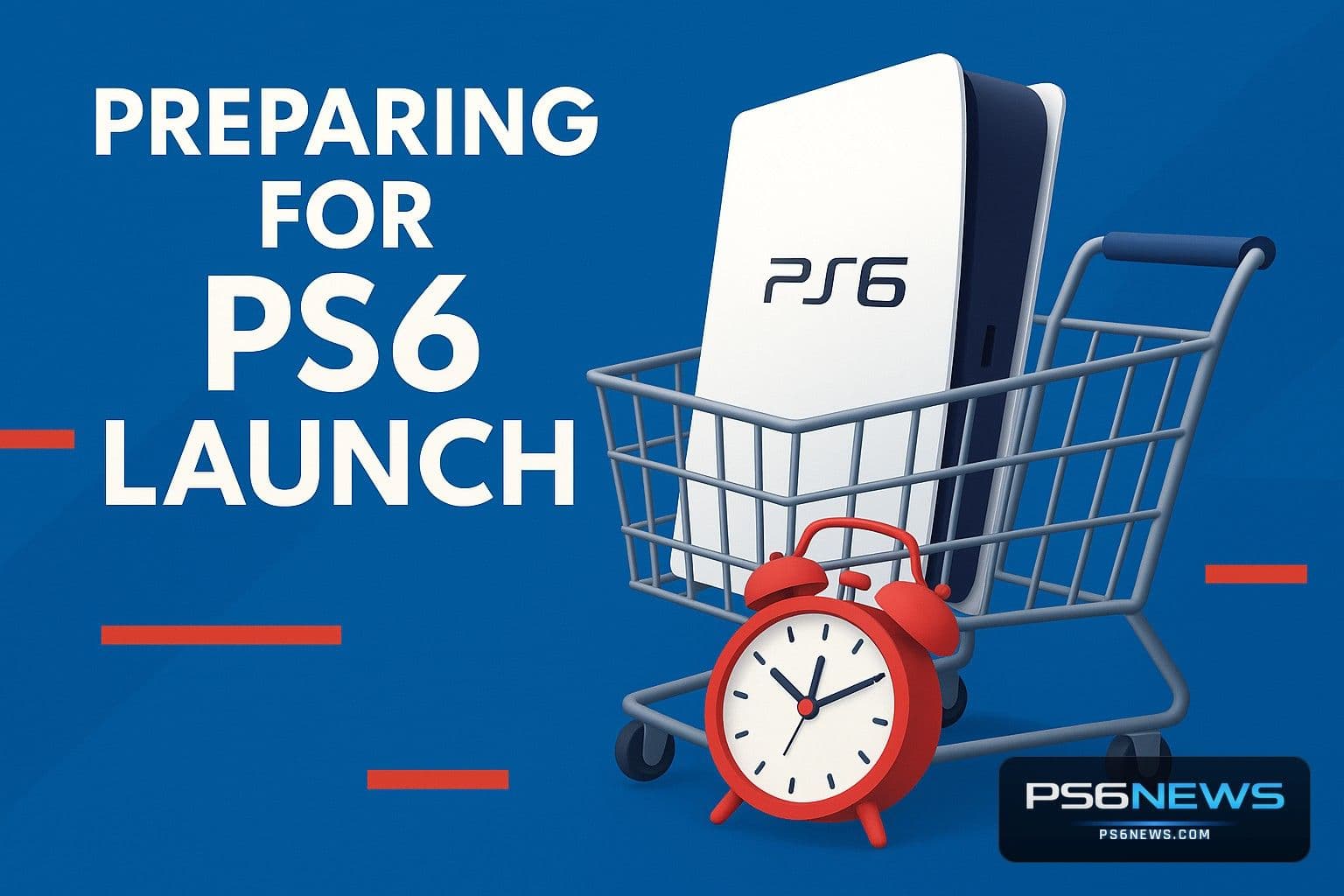
Sony has not officially announced the PS6, but rumours and leaks have been flowing steadily. Whether you are a day-one buyer or a patient planner, there are practical steps you can take right now to be fully prepared when the next PlayStation arrives. This guide covers budgeting, display upgrades, library organisation, pre-order strategy and everything in between — updated for April 2026.
Step 1: Understand the Timeline and Budget Early
Sony typically refreshes its console every seven years. That cadence points to a late 2027 window, but reports of memory shortages pushing the launch to 2028 or 2029 have dampened expectations. With the PS5 still receiving price hikes in early 2026, analysts estimate the PS6 will launch between $600 and $999 depending on DRAM costs, tariffs and Sony's subsidy strategy. Start a dedicated savings fund now — even setting aside $30–50 a month gives you $600–1,000 over the next 18–24 months.
Consider selling your current hardware closer to launch. Pre-owned PS5 values tend to drop sharply once a successor is announced, so timing your sale well can offset a significant portion of the PS6's launch price. Also factor in accessories: a new DualSense controller, headset and any optional disc drive add-on could add $100–200 to your total outlay.
Step 2: Upgrade Your Display
The PS6 is rumoured to target 4K at 120fps with advanced ray tracing powered by an RDNA 5 GPU. To take full advantage, you need a display with HDMI 2.1 (which supports 4K/120fps bandwidth), a 120 Hz or higher refresh rate, and Variable Refresh Rate (VRR) support to eliminate screen tearing. Displays like the LG C5 OLED or Samsung Neo QLED 2025–2026 models tick all these boxes.
If you are on a budget, prioritise HDMI 2.1 and 120 Hz over panel size. A 43-inch HDMI 2.1 TV will serve the PS6 far better than a larger display capped at 60 Hz. HDR support (Dolby Vision or HDR10+) is also worth looking for, as the PS6 is expected to push high dynamic range imagery further than the PS5. For audio, Sony's Pulse headsets or a Dolby Atmos-capable soundbar will complement the likely upgrade to the PS5's Tempest 3D audio engine.
Step 3: Decide on Disc or Digital
The PS6's disc situation is still unsettled. Leaker KeplerL2 suggests the base model will be digital-only, while Insider Gaming reports a detachable disc drive will be available at or near launch — replicating the PS5 Slim's modular approach. Think about your habits now: if you buy used games, rely on physical gifts or have a large existing disc library, budget for the optional drive add-on. If you are fully digital, the base model will likely be cheaper and slimmer.
Neural texture compression technology could dramatically reduce game file sizes — reportedly up to sevenfold — making a 1 TB digital library more manageable than it sounds. That said, digital purchases tie you to the PlayStation Store, while physical discs can be resold or lent. Weigh this against the likelihood of disc drive shortages: when the PS5 Pro launched without one, the optional add-on sold out within days.
Step 4: Organise Your Library and PSN Account
Sony's backward compatibility record with the PS5 is strong, and the PS6 is widely expected to support PS4 and PS5 titles. Now is the time to get your library in order: make sure all digital purchases are tied to your primary PSN account, enable two-factor authentication, and activate PlayStation Plus cloud saves so your progress syncs automatically.
Work through your backlog and archive games you are unlikely to revisit — this frees up storage and reduces the temptation to delay upgrading. Keep your PS5 games patched, as some titles are expected to receive PS6 performance updates at launch that unlock higher frame rates or resolution. Redeem any outstanding PlayStation Store credit and check whether your PlayStation Plus subscription is current, as cloud saves require an active membership.
Step 5: Secure Your Pre-Order
PS5 pre-orders sold out in minutes when they opened unexpectedly in September 2020. The PS6 will be no different. Price estimates between $699 and $999 mean launch allocations will be hotly contested. Follow PlayStation's official blog and social channels — they will announce pre-order dates first. Create accounts and save payment and shipping details at Amazon, Best Buy, GameStop and PlayStation Direct now, so you are not entering card details under pressure.
Consider regional differences: some markets open pre-orders earlier than others, and PlayStation Direct tends to get stock when major retailers sell out. Evaluate launch bundles carefully — they often include an extra controller or game and can offer better value than buying separately, and scalpers typically target bare consoles rather than bundles. Set calendar reminders for any rumoured announcement windows and subscribe to retailer stock-alert services.
Step 6: Check Your Internet and Storage Setup
The PS6's digital focus makes a fast, reliable internet connection more important than ever. Aim for at least 100 Mbps download speeds to handle large game downloads and potential 8K texture packs. Fibre connections with unlimited data are ideal — bandwidth caps can become a real frustration when a single next-gen title might exceed 50 GB even with neural compression. Consider upgrading your router to Wi-Fi 6 or 6E if your current hardware is ageing.
For storage, the PS6 is rumoured to ship with a 1 TB Gen5 NVMe SSD. External NVMe drives with USB4 or Thunderbolt support are likely to be compatible for expanded storage. Start researching compatible drives now so you are ready to expand at launch rather than scrambling when internal space runs low.
The Bottom Line
Preparing for the PS6 in 2026 is mostly about informed patience. The console is likely 18–36 months away, which gives you time to save, upgrade your display, sort your library and get your pre-order strategy locked in. Stay close to official PlayStation channels for announcement news, keep an eye on supply chain developments that could affect pricing, and resist paying scalper prices — patience and preparation are your best tools for a smooth next-gen transition.