PS6 Wi-Fi 7: Speed, Latency and Online Gaming Explained
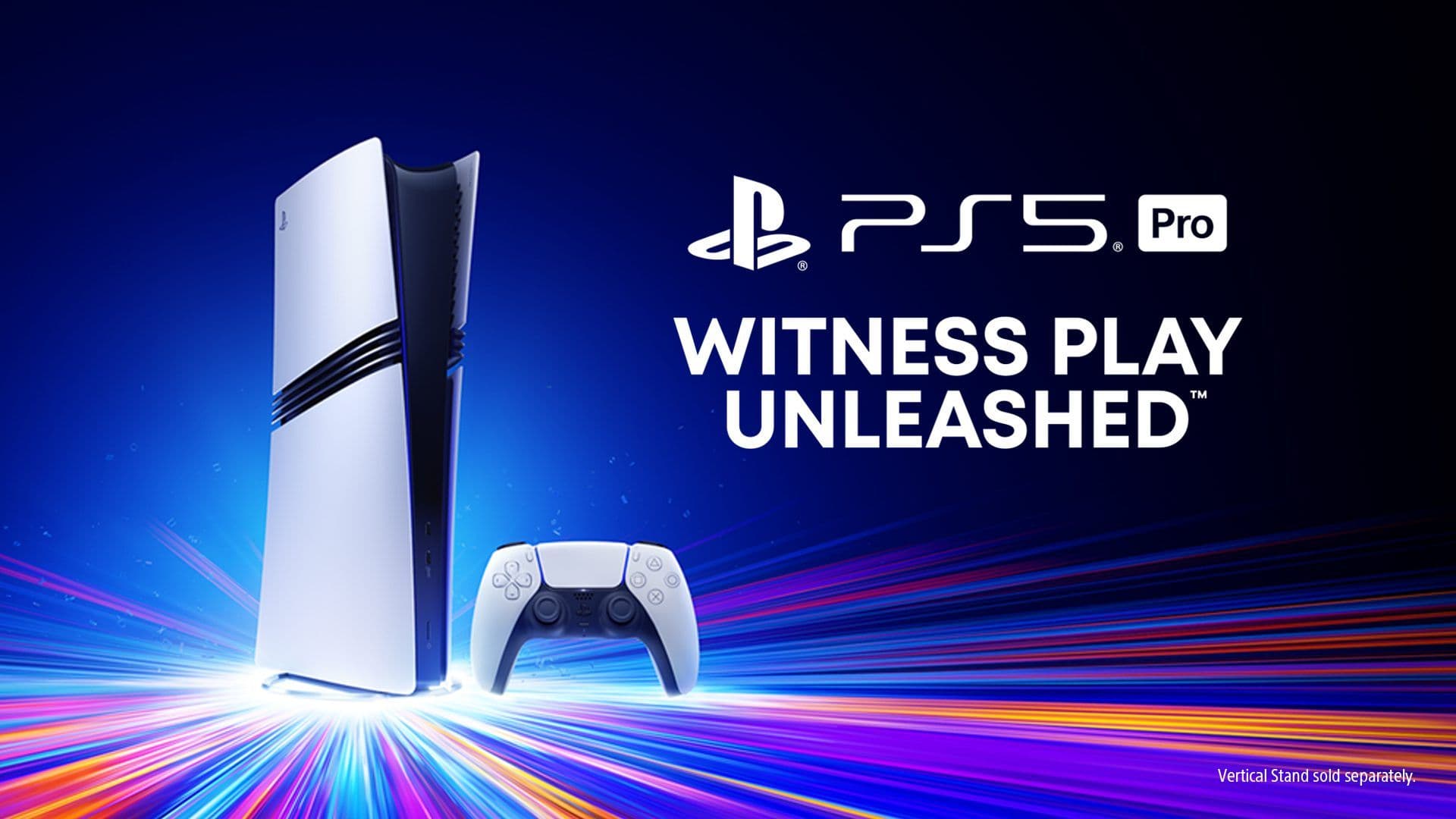
Wi-Fi 7 is not a speculative future technology for PlayStation. Sony already includes it in PS5 Pro, making the standard a credible baseline for PlayStation 6 even though the company has not announced the PS6 or confirmed its networking hardware.
The upgrade could improve large downloads, Remote Play, cloud streaming and wireless stability in busy homes. It cannot eliminate internet congestion, distant game servers or every source of lag, and a Wi-Fi 7 badge alone does not reveal the speed of the console’s Ethernet port.
PS5 Pro Sets the Wireless Baseline
Sony’s official PS5 Pro launch specification lists Wi-Fi support through IEEE 802.11be, the technical standard behind Wi-Fi 7. It also lists gigabit Ethernet through 10BASE-T, 100BASE-TX and 1000BASE-T.
That matters because Sony has already completed the engineering and software work needed to support Wi-Fi 7 on a PlayStation console. Carrying the technology into PS6 would be less surprising than removing it, but that remains an inference rather than a confirmed specification.
PS5 Pro also supports Multi-Link Operation with compatible access points. The feature can use multiple wireless links to improve performance and reliability, although results depend on the router, spectrum availability, distance and local interference.
PS5, PS5 Pro and PS6 Networking Compared
| Feature | Base PS5 | PS5 Pro | PS6 |
|---|---|---|---|
| Wireless generation | Wi-Fi 6 | Wi-Fi 7 | Unconfirmed |
| 6GHz access | Model and region dependent | Supported where available | Unconfirmed |
| Multi-Link Operation | Not listed for standard PS5 | Supported on CFI-7000 | Unconfirmed |
| Wired networking | Up to gigabit Ethernet | Up to gigabit Ethernet | Unconfirmed |
| Main limitation | Router, interference and broadband | Router, interference and broadband | Unknown |
The table shows why PS5 Pro is the useful comparison. Wi-Fi 7 is confirmed in current PlayStation hardware; every PS6 entry remains unknown until Sony publishes the console’s technical specifications.
Networking should be read alongside the wider PS6 specifications guide. A faster radio is useful, but storage write speed, system software and server capacity can still limit how quickly a game installs or updates.
What Wi-Fi 7 Actually Changes
The Wi-Fi Alliance’s Wi-Fi 7 overview highlights 320MHz channels, Multi-Link Operation and 4K QAM. Wider channels can carry more data, while 4K QAM can raise transmission rates by 20% over 1024 QAM under suitable signal conditions.
Multi-Link Operation is potentially more important for gaming than a headline maximum speed. It allows a compatible device to transmit and receive across multiple links, improving throughput, reducing latency and adding resilience when one band becomes congested.
Those benefits are conditional. The console and router must support the required features, 6GHz spectrum availability varies by country, and walls or distance can weaken higher-frequency signals more quickly.
Downloads Will Still Have Several Speed Limits
Wi-Fi 7 could reduce the wireless bottleneck when downloading large PS6 games or moving data across a home network. That would work well with the faster internal storage discussed in our PS6 SSD and storage guide.
It cannot make a 100Mbps broadband connection deliver data at multi-gigabit speeds. Download performance will be capped by the slowest part of the route: internet service, router, wireless conditions, PlayStation Network delivery, console storage or decompression.
Local transfers may show the clearest gain. Copying backups or streaming from another device inside the home does not always face the same internet-service limit, although Sony would still control which PS6 storage and transfer features are allowed.
Lower Latency Does Not Mean Zero Lag
Wi-Fi 7 can improve responsiveness on a well-designed home network, particularly when Multi-Link Operation avoids a congested band. That could help online play, Remote Play and game streaming maintain steadier frame delivery.
Internet latency also includes the route to the game server, ISP congestion, server load and the distance between players. No wireless standard can remove those delays, so claims that Wi-Fi 7 will create lag-free PS6 gaming should be treated cautiously.
For competitive games, a wired connection may still provide the most predictable result. PS5 Pro currently tops out at gigabit Ethernet; Sony could retain that limit or upgrade PS6, but neither option has been confirmed.
Remote Play and a PS6 Handheld
Stronger wireless networking would benefit PlayStation Portal and Remote Play even if a future handheld runs games locally. Stable latency matters whenever video is encoded on a console and streamed to another screen.
A native PS6 handheld could also use Wi-Fi 7 for downloads, multiplayer and cloud saves, but its radio, antenna design and power management would affect real performance. Our PS6 handheld guide separates the recurring portable claims from confirmed Sony hardware.
Battery life creates another trade-off. A handheld does not need to chase the highest possible wireless throughput continuously; efficient, reliable connectivity may matter more than a laboratory peak.
Do You Need a New Router for PS6?
Not yet. PS6 networking is unconfirmed, and Wi-Fi standards are backward-compatible, so a future console should still connect to many existing routers even if it supports a newer generation.
A Wi-Fi 7 router would be required to use Wi-Fi 7-specific features. Broadband speed, home layout, wired backhaul and router placement may deliver a larger practical improvement than replacing equipment solely for the newest label.
The sensible approach is to wait for Sony’s official PS6 specifications. Look for the Wi-Fi generation, Multi-Link Operation support, Ethernet speed and regional 6GHz compatibility before spending money on networking hardware.